PolyStand app icon — a music stand on a navy background

Apple TV · Available Now

PolyStand
Music Stand for Apple TV

Your sheet music, metronome, and drone — on the biggest screen in the house. Focus on playing, not managing devices and paper.

Download on the Apple TV App Store

Sheet Music

Your scores on the big screen

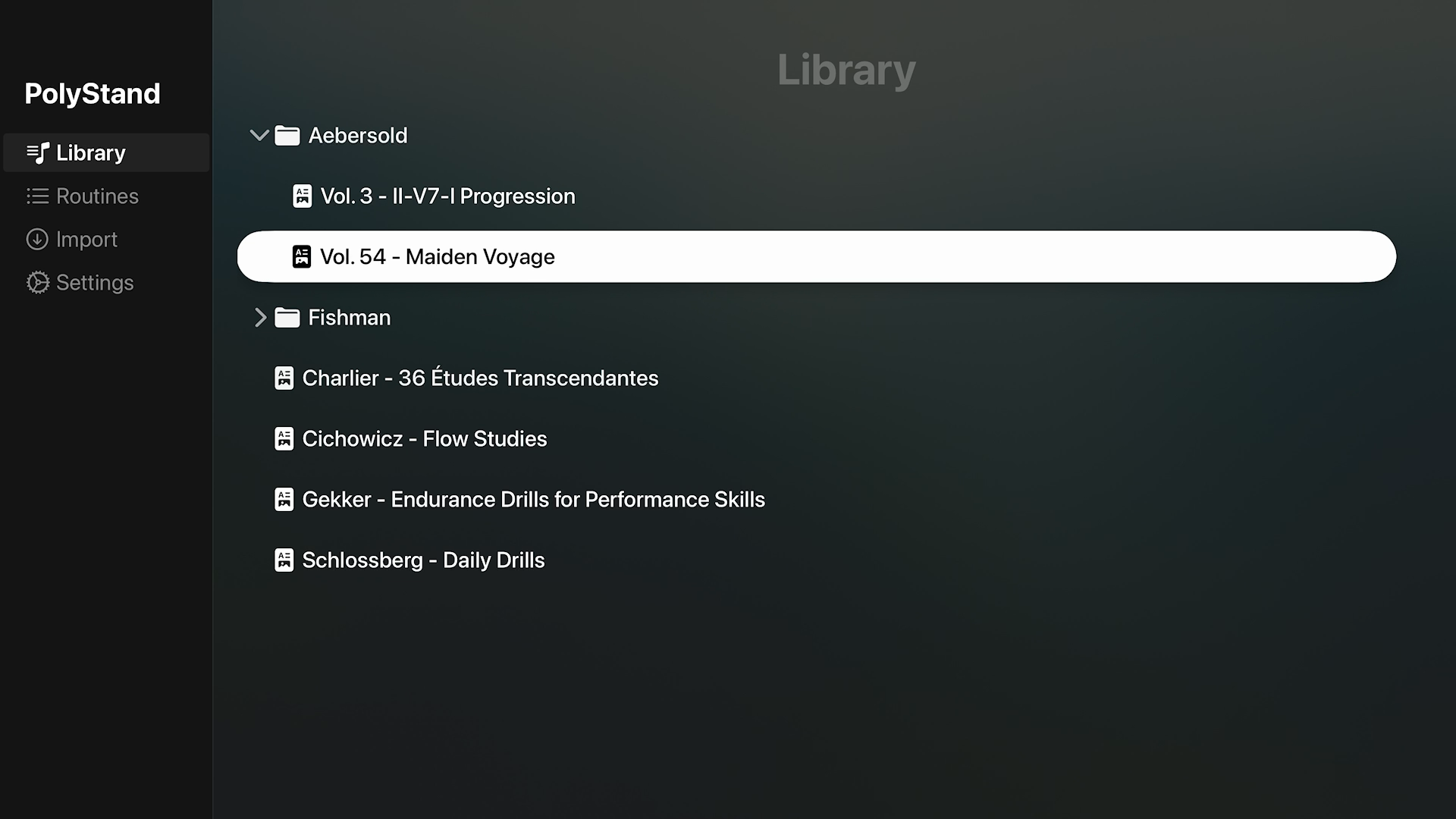
Load any PDF and read your music from across the room. No squinting at a tablet, no shuffling paper. PolyStand displays your scores on Apple TV with clean, readable clarity — organized by collection, ready when you are.

PolyStand library view showing sheet music organized by collection

Backing Tracks

Your living room is your practice room

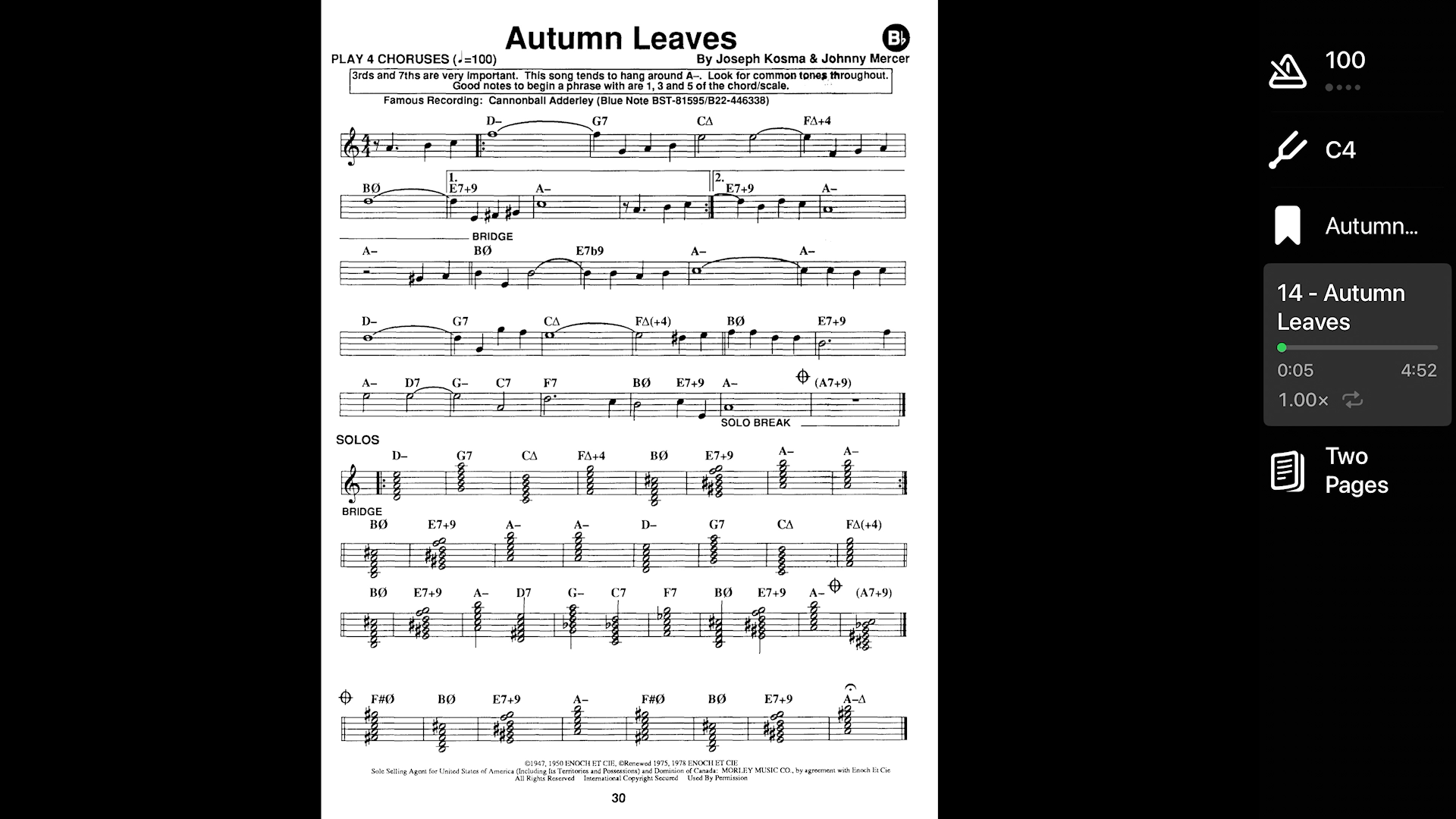
Connect your Apple TV to your home audio system and play along with backing tracks while your score stays front and center. Practice with real sound filling the space around you — the way music is meant to be heard.

PolyStand playing Autumn Leaves with backing track and score visible

Two-Page View

See the whole page at once

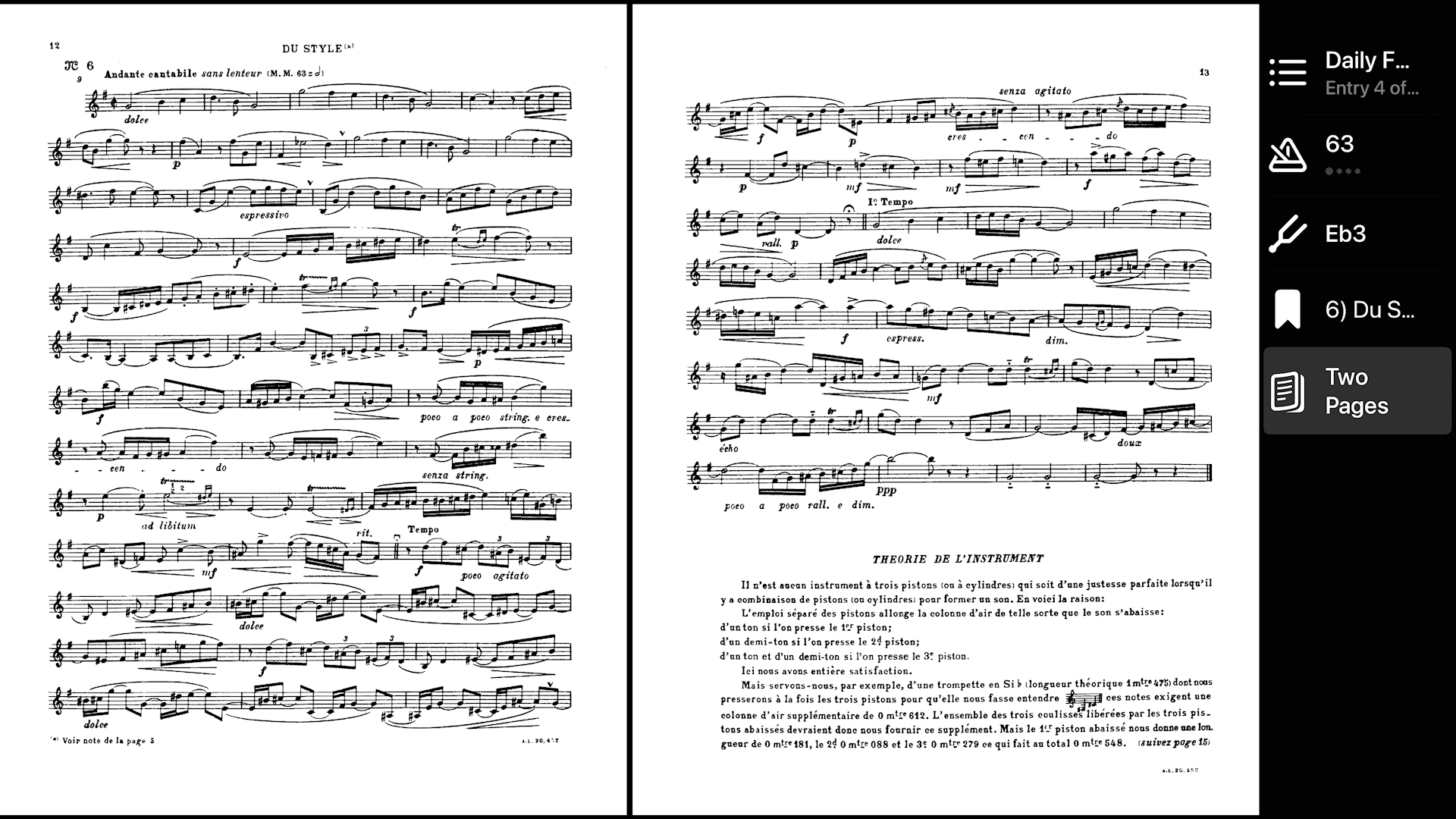
A wide television is a natural two-page spread. PolyStand uses that space the way a real music stand would — both pages side by side, nothing hidden, nothing to scroll.

PolyStand showing two-page spread of a Charlier étude

Everything you need, nothing you don't

Built-In Metronome

Set your tempo manually, or let PolyStand read it straight from your score. When tempo is marked in your PDF, PolyStand picks it up automatically — so you're playing at the right speed before you've touched a button.

𝄞

Drone for Ear Training

A pure, unwavering reference pitch — no vibrato, no reverb, no distractions. Just the note, held steady, so you can hear exactly where your intonation lands.

Practice Routines

Build routines around what you actually need to work on. Structure your sessions so you're not starting from scratch every time you sit down.

Getting Started

Getting your files into PolyStand

Sheet music and audio are added through a simple web interface on your home network — no cables, no syncing apps.

01

Launch PolyStand on your Apple TV.

02

Open any browser on a device connected to the same Wi-Fi.

03

Connect to PolyStand using the address shown on screen.

04

Upload your PDFs and audio directly from your browser.

PolyStand is built for musicians who take practice seriously — and who know that the best setup is the one that gets out of your way.

Download on the Apple TV App Store